
Screenshot
Capture a whole web page in one picture. Mark it up, then copy or save it.
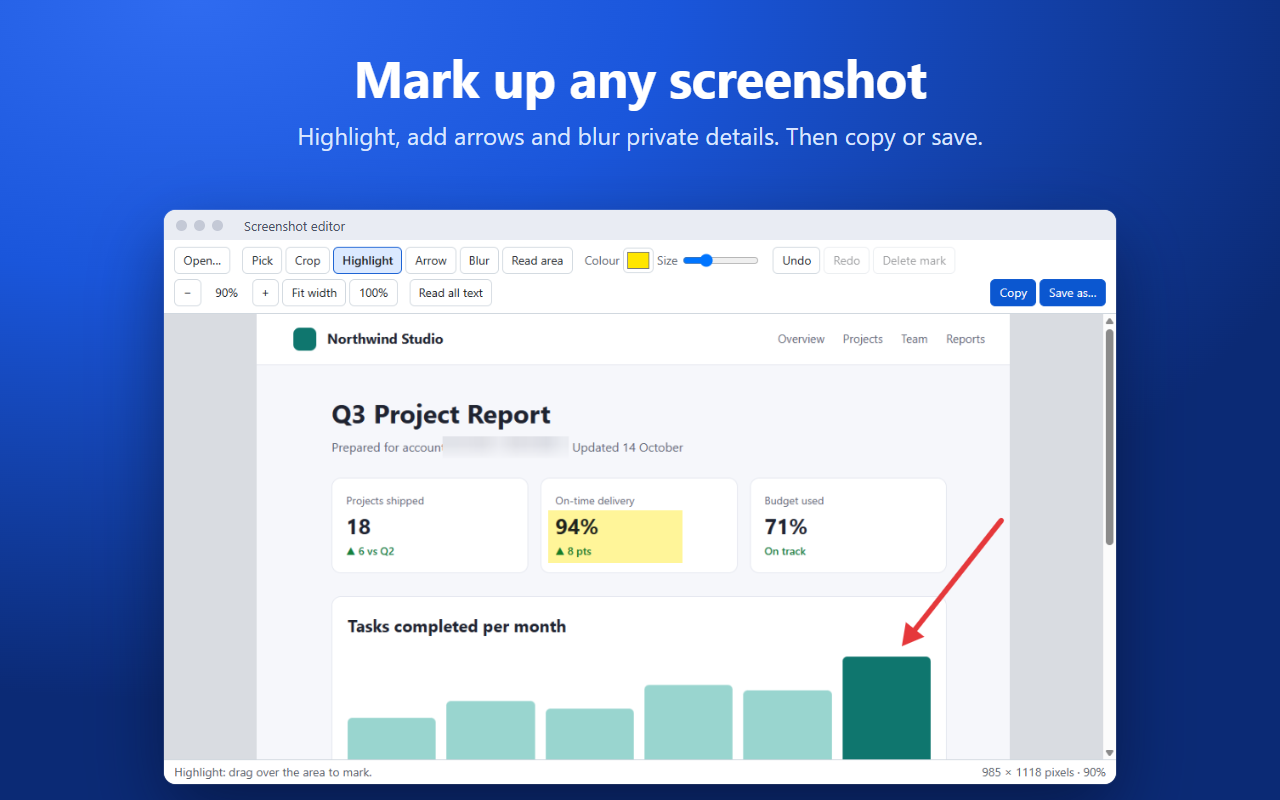
What it does
Click the toolbar button or press Alt+Shift+3. The page scrolls by itself, and the whole thing, top to bottom, is joined into one tall picture.
The picture opens in a simple editor, where you can crop, highlight, draw arrows, and blur anything private. It's copied to the clipboard as soon as it opens, and you can save it as PNG, JPG, WebP, BMP or PDF. You can also open or paste any picture to mark it up.
Coming soon
A free Windows helper will add full-screen and window screenshots from any app, reading the text out of pictures, and desktop shortcuts. Until then, the Full screen and Window buttons take a picture of the current tab.
Private by design
Screenshot never connects to the internet. There are no accounts, ads or tracking, and your pictures stay on your computer. Details are in the privacy policy.
Requirements
- Google Chrome 110 or newer on Windows 10 or 11